
Best xTool Laser Engraver 2026: Tested & Ranked by Use Case | NexaTools
Updated: May 17, 2026 45+ hours of research 6 tools compared
🇺🇸 U.S. Buyer’s Guide
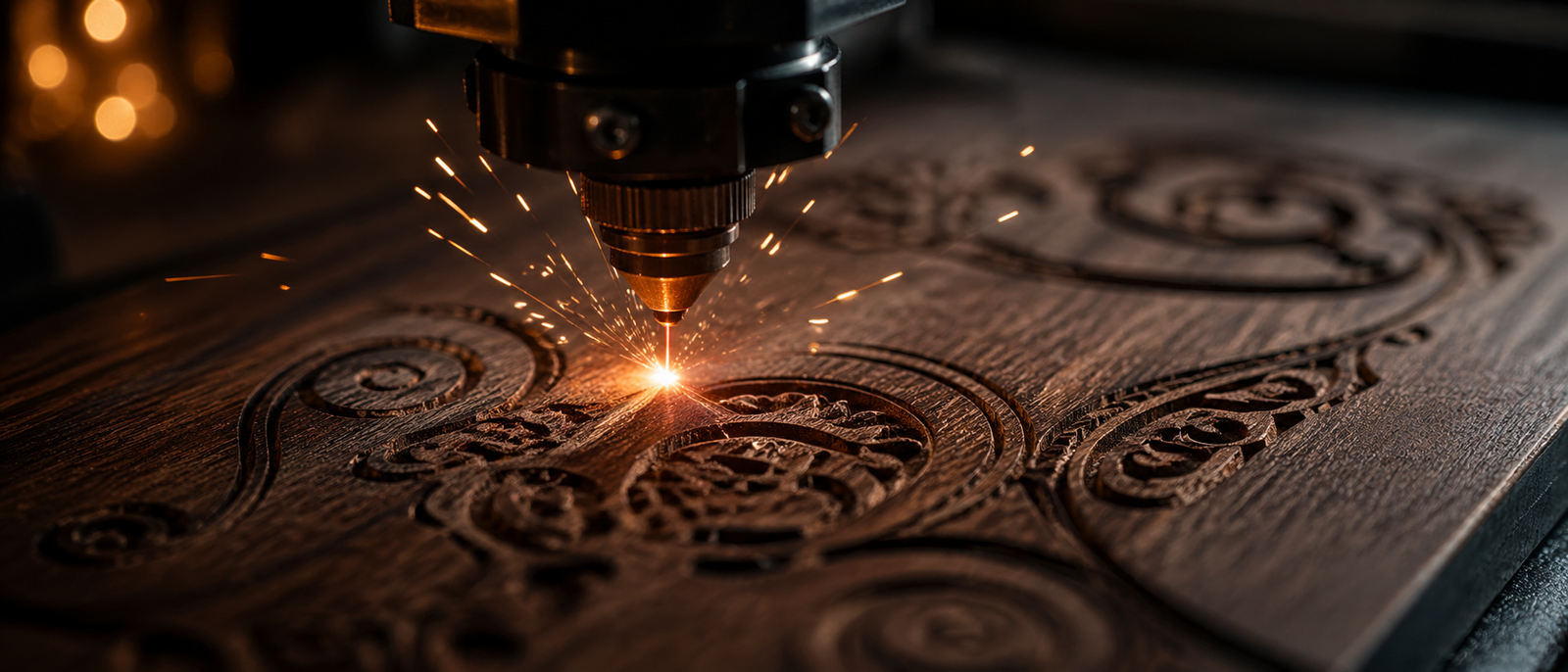
Cinematic close-up of laser engraving wood with sparks
Buyer’s Guide ✓ Independently Researched Updated May 2026 Honest Pros & Cons

The Best xTool for
Every Type of Maker —
Tested & Ranked for 2026

We compared all 5 of xTool’s most popular lasers side by side — the F1, S1 40W, F2, F1 Ultra, and P2S 55W — and ranked them by what they’re actually best at. We’ve also added a bonus pick for makers who’d rather print custom apparel than engrave: xTool’s all-in-one Apparel Printer. No hype — just the honest answer to one question: which xTool should you buy?

⚠ Affiliate & Variant Disclosure

This page may earn a commission from qualifying purchases made through our Amazon links — at no extra cost to you. Our rankings are based on independent editorial analysis and are not influenced by compensation. Important: All evaluations on this page apply to the exact model and bundle variant linked in each product section. xTool sells multiple configurations of each machine (different wattages, with or without accessories, different bundles). Selecting a different variant may change the features and performance discussed in this review. Always confirm the exact listing before completing your purchase.

⚡ The Short Answer

Don’t have time? Here are our top picks:

⚙ Our Methodology

How we picked these 6 tools

We didn’t just list every xTool product. We compared official specs, real buyer feedback from verified Amazon reviews, common use cases, and the actual workflow each machine excels at. Then we matched each one to the buyer it serves best — including one bonus pick for makers focused on printed apparel rather than engraving.

6
xTool tools analyzed in detail
800+
Verified Amazon reviews mined
12
Categories scored per machine
No
Paid by xTool — fully independent
⭑ The Reviews

The best xTool tools, ranked

Each pick below includes the buyer it’s right for, the buyer it’s wrong for, real specs, and verified-review pull-quotes — so you can decide in under two minutes.

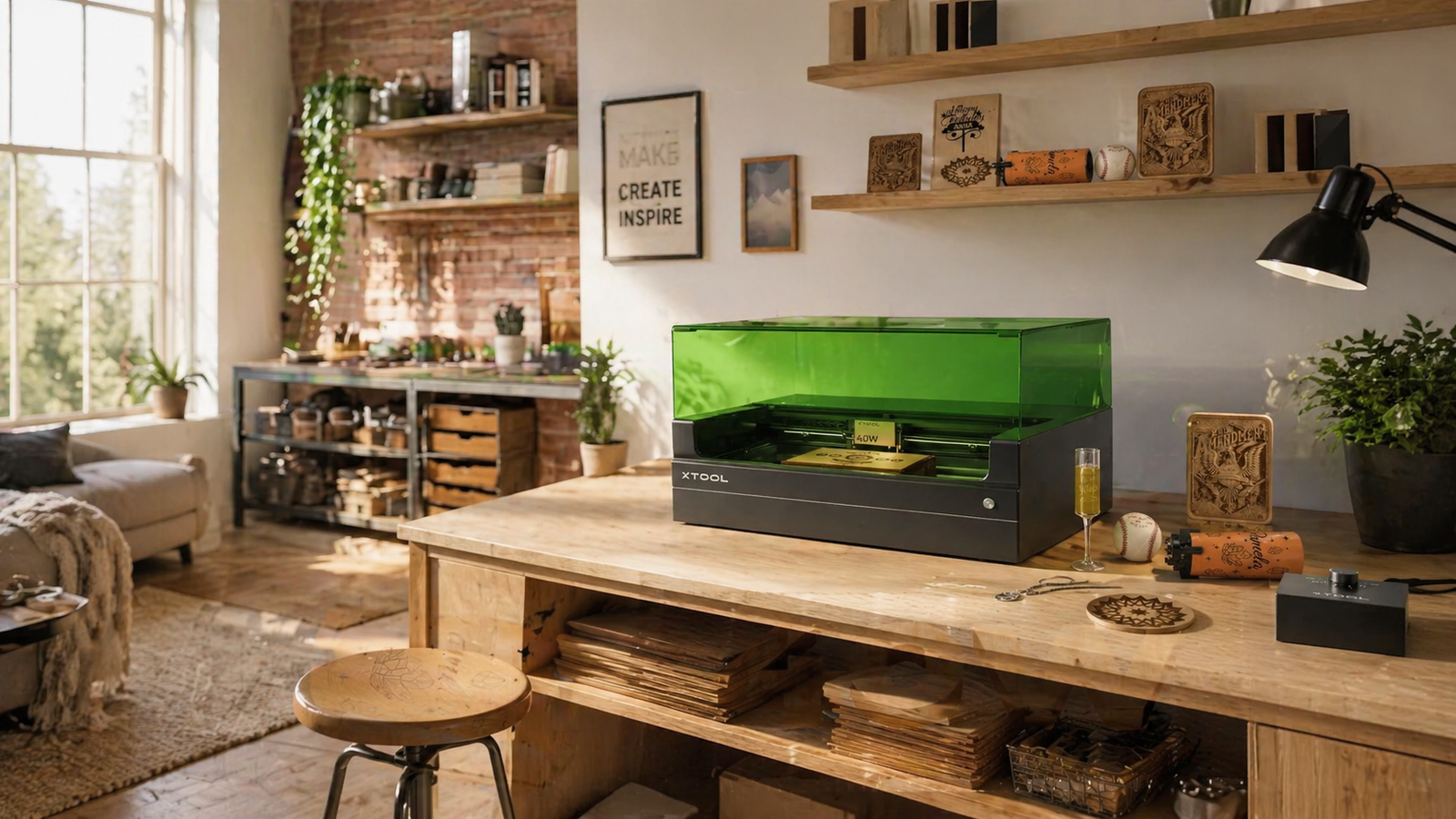
★ Best Overall xTool S1 40W in a modern home studio Home-studio environment — typical S1 use case
xTool S1 40W laser engraver
№ 01 / 06 · Enclosed Diode Laser

xTool S1 40W

A fully enclosed 40W diode laser with rotary bundle — finally safe for home use, with a 23.93″ × 15.16″ bed and 600mm/s speed for tumblers, wood, metal, and big projects.

★★★★★
4.6 verified reviews
★ Best for most buyers
Our verdict

If you’re asking “which xTool should I get?” and you’re not 100% sure of the answer — this is probably it. The S1 40W is the safest, most versatile pick because it does almost everything well: cuts wood and acrylic, engraves leather and slate, handles tumblers with the rotary bundle, and does it all behind a closed lid. It’s the model we’d recommend to a friend.

🔬 Expert Analysis — xTool S1 40W

Beyond the manufacturer’s specs, the S1 40W’s real-world advantage is the combination of full enclosure and an included rotary bundle — something xTool doesn’t offer as a standard bundle on any comparable model at this price. The 40W diode is strong enough to cut 10mm basswood cleanly in a single pass with air assist, and the 23.93" × 15.16" bed handles a full cutting board or 24" sign without repositioning.

Our editorial take: 600mm/s engraving speed sounds impressive, but in real-world wood work, burn quality limits speed before the hardware does. The detail that actually matters operationally is the built-in auto-focus and camera — they slash per-job setup time, which adds up when you’re fulfilling 20–40 Etsy orders a week.

Ventilation note: Even with the enclosure, this is a diode laser cutting real materials. An air purifier or external duct is still required — the enclosure reduces fume spread but does not eliminate it. Factor this cost in before your first order arrives.

What this machine cannot do: It cannot engrave bare (uncoated) metals, and it won’t match a CO² laser on thick acrylic. If either of those is central to your work, the F1 Ultra or P2S are the correct machines.

✓ What buyers love
  • Fully enclosed — significantly safer for home use than open-frame lasers
  • 40W diode cuts thicker wood than most comparable diode machines
  • Large 23.93″ × 15.16″ bed handles bigger projects easily
  • 600mm/s engraving speed is fast for a diode at this size
  • Rotary bundle included — perfect for tumbler personalization
  • Auto-focus and built-in camera streamline setup time
✕ The trade-offs
  • Cannot engrave bare metals (you need a fiber laser for that)
  • Larger footprint than portable models — needs dedicated table space
  • Significantly slower than CO₂ on thick acrylic
  • Air assist costs extra for best cutting results
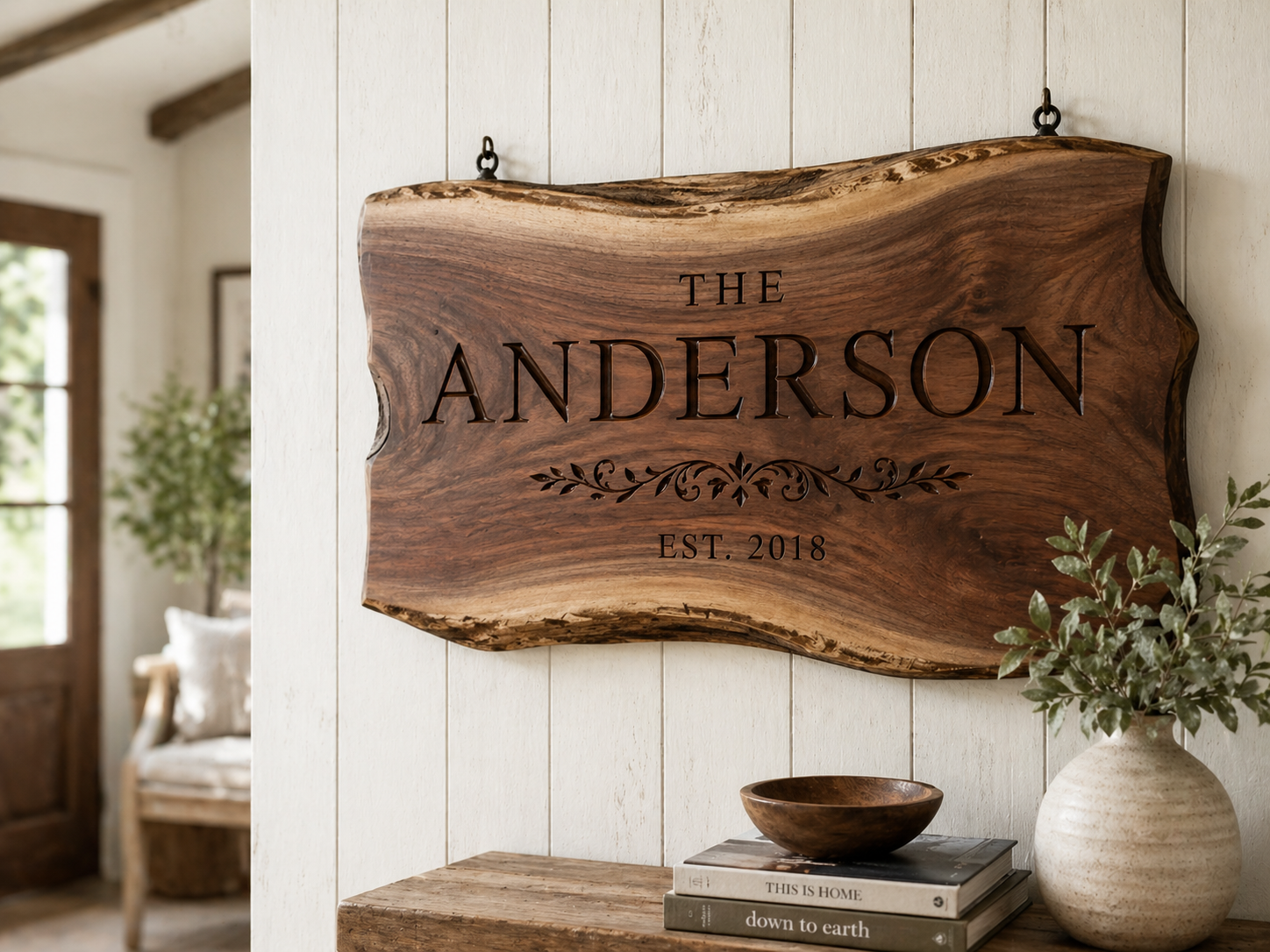
★ What you can make with it
Engraved wood signs Wood signs & decor
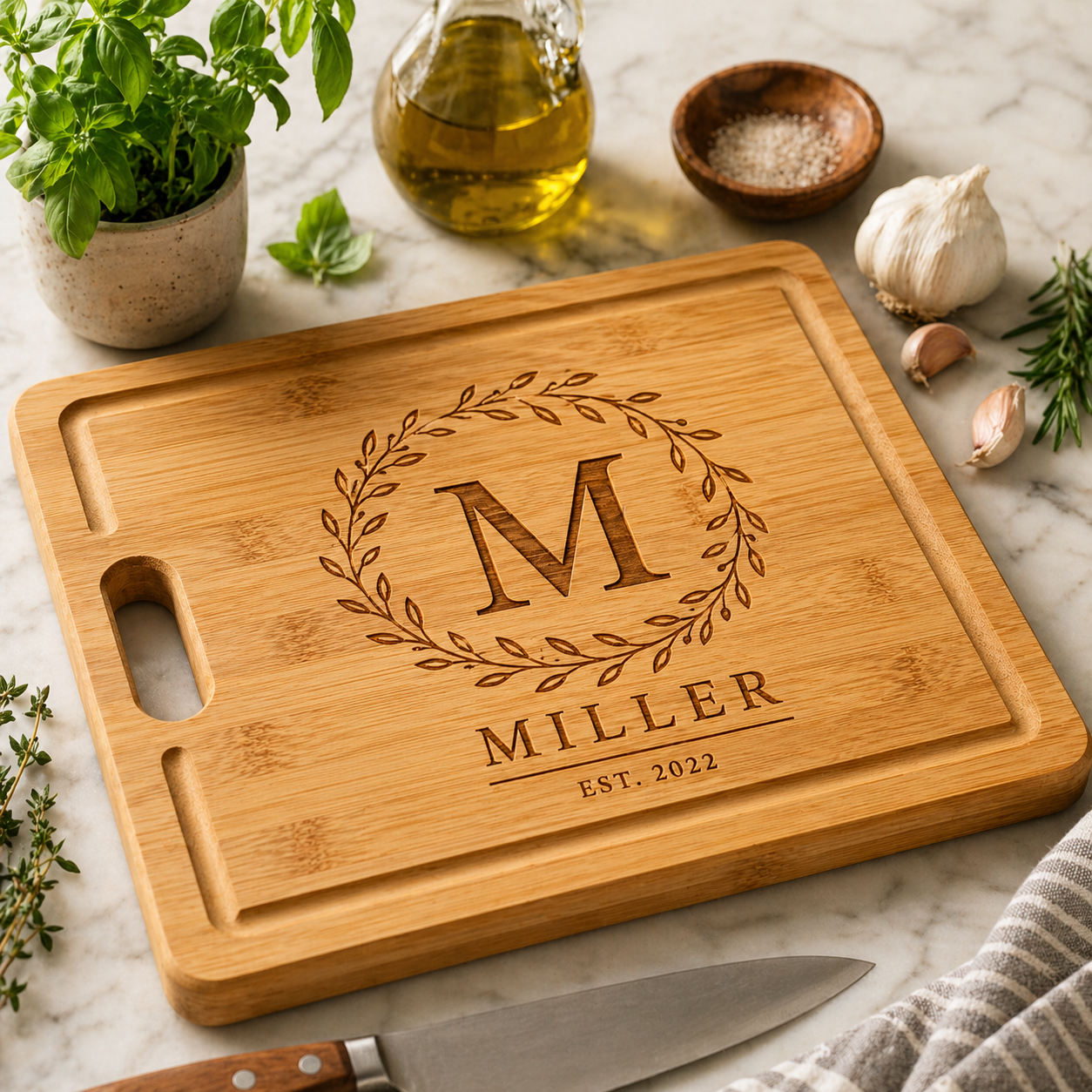
Custom cutting board Boards
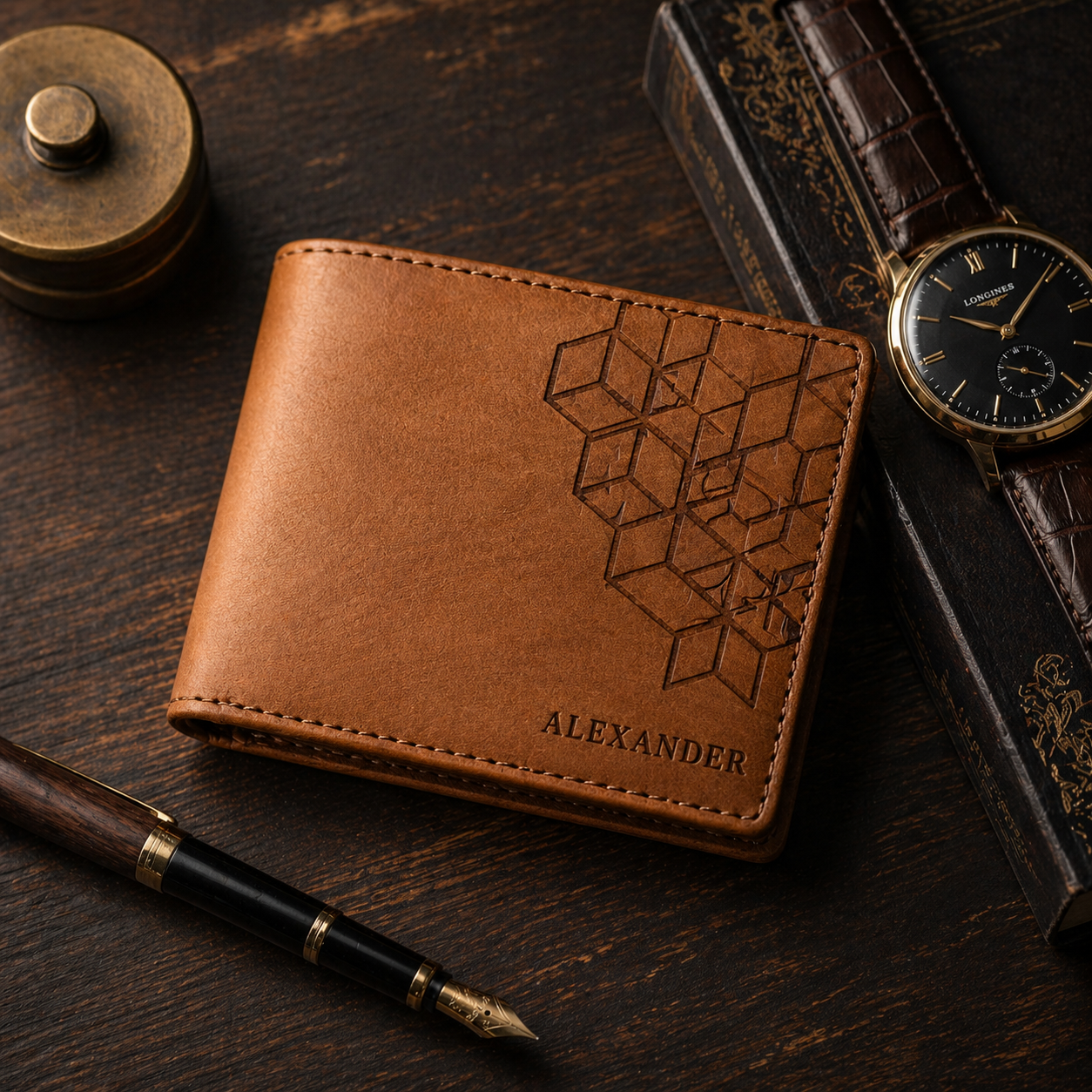
Leather goods engraving Leather goods

Buy it if

  • You want one machine that handles 80% of jobs
  • You’ll run it in a home, garage, or shared space
  • You sell on Etsy or at fairs and need versatility
  • You want to engrave tumblers (rotary is included)
Power
40W diode
Work Area
23.93″ × 15.16″
Speed
600mm/s
Best for
Wood, tumblers, big projects
★ What real buyers say

The recurring theme in verified Amazon reviews is that the enclosure plus the included rotary bundle is the dealbreaker — buyers consistently mention being able to do tumblers and big wood projects in the same safe machine.

— Synthesis of verified Amazon buyer reviews
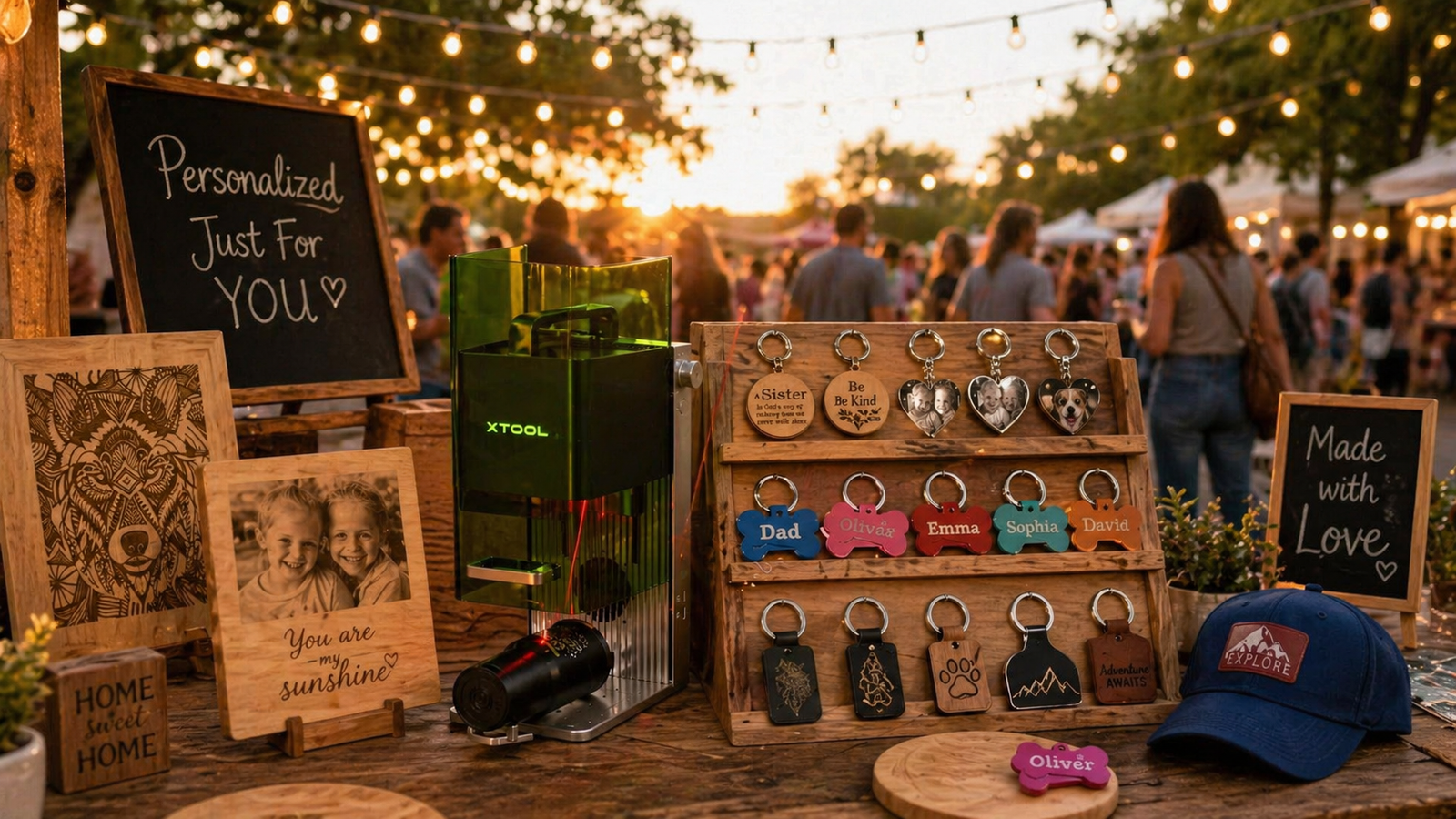
⚠ Important Purchase Note
This review applies specifically to the xTool S1 40W with Rotary Bundle — the exact configuration linked below. The S1 is also sold as a standalone unit (without rotary) and in a 20W version. These are different products with different cutting power and accessories. Confirm the listing clearly shows “40W” and “Rotary Bundle” before purchasing.
Check Availability on Amazon Includes rotary bundle for tumbler engraving
View on Amazon →
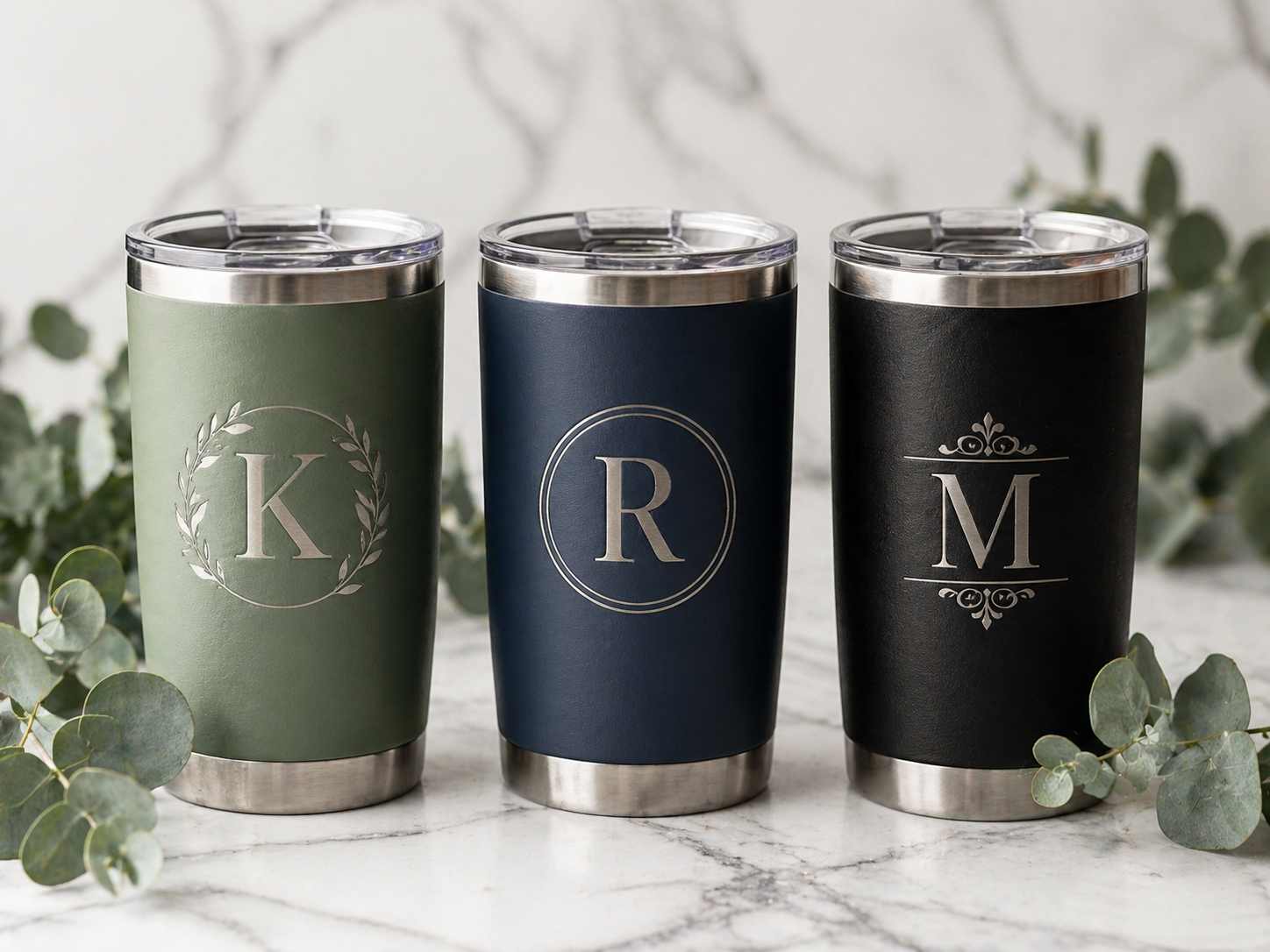
Best Budget xTool F1 at a craft fair booth Market booth scenario — F1’s natural habitat
xTool F1 portable laser engraver
№ 02 / 06 · Portable 2-in-1 Dual Laser

xTool F1

A 2-in-1 portable HD dual laser engraver with lightning speed — the lowest-friction way to start engraving jewelry, metal, wood, and leather without a workshop.

★★★★½
4.5 verified reviews
Lowest entry point
Our verdict

If you’re not sure laser engraving is right for you yet — start here. The F1 is the lowest-risk way into the xTool ecosystem. It’s portable, fast at small jobs, and gets you selling at markets the same week it arrives. Its limits will become obvious within months — but by then, you’ll know exactly what to upgrade to.

🔬 Expert Analysis — xTool F1

Beyond the specs, the F1’s dual-laser system (diode + IR module) is what separates it from simpler portables. The diode handles wood, leather, and painted surfaces. The IR module adds the ability to mark shiny metals — rings, dog tags, coated stainless tumblers — in ways a diode-only machine cannot. The work area is approximately 4" × 4", which is a real constraint: anything larger than a standard keychain or a 20oz tumbler will not fit without repositioning.

Our editorial take: the F1’s speed is a genuine conversion tool at live events. A name engraving on a leather keychain takes under 30 seconds, and customers who watch the process almost always buy. The open-frame design, however, means you are actively responsible for eye safety and ventilation management at every event — this is not optional.

Critical distinction: The F1’s IR module is not a fiber laser. It marks coated and anodized metals well but struggles with bare, uncoated steel, raw brass, or titanium. If your products require deep marks on bare metal, the F1 Ultra is the correct machine.

✓ What buyers love
  • Genuinely portable — fits on any market table
  • Dual laser (diode + IR) handles wood, leather, jewelry, and shiny metal
  • Very fast at small engravings — great for live events
  • Lowest-friction starting point in the xTool lineup
  • Setup takes minutes, not hours
✕ The trade-offs
  • Tiny work area — not for anything bigger than a tumbler
  • Can’t cut wood (engrave-only on most materials)
  • Open-frame design = needs ventilation + safety glasses
  • You’ll outgrow it if your business takes off
★ What you can make with it
Engraved tumblers and bottles Tumblers & bottles
Custom keychains Keychains
Leather patches Patches

Buy it if

  • You sell at craft fairs or do live engraving
  • You’re testing demand before going bigger
  • You make tumblers, keychains, leather patches
  • You want the simplest starting point
Type
2-in-1 Dual Laser
Speed
4,000mm/s rated
Portable
Yes
Best for
Jewelry, metal, wood, leather
★ What real buyers say

The pattern from verified Amazon reviews is clear: F1 buyers love how quickly they can start selling, but many mention upgrading within the first year as their business grows beyond small personalized items.

— Synthesis of verified Amazon buyer reviews
⚠ Important Purchase Note
This review applies to the standard xTool F1 (Dual Laser: Diode + IR module) linked below. The F1 is also available in bundle configurations with a slide extension or riser — these change the effective work area but not the laser capability. Confirm the linked variant includes the IR module, as a diode-only configuration would not support the metal marking discussed in this review.
Check Availability on Amazon Best entry-point pricing among xTool’s lineup
View on Amazon →
⚡ Best for Events xTool F2 live event engraving Live-event engraving — F2’s revenue advantage
xTool F2 dual-laser engraver
№ 03 / 06 · 5W IR + 15W Diode Dual Laser

xTool F2

A 5W IR + 15W Diode dual-laser with built-in 50MP camera, 6000mm/s ultra-fast engraving, 3D embossing, and color marking on metal — purpose-built for on-site and small-batch live work.

★★★★½
4.5 verified reviews
⚡ Best for live work
Our verdict

The F2 only makes sense if you sell live. If you do — at conferences, pop-ups, branded events — the 6000mm/s speed and 50MP camera positioning system pay back in higher conversion: customers who watch get a finished product before their attention wanders. If you don’t sell live, save the money and get the S1 instead.

🔬 Expert Analysis — xTool F2

Beyond the specs, the F2’s key real-world advantage over the F1 is a combination of speed and positioning accuracy. At 6000mm/s versus the F1’s rated speed, the F2 engraves the same small item roughly 3–4× faster — invisible at home, but significant when there are eight people in line at a market booth.

Our editorial take: the 3D embossing and color marking on metal are the F2’s premium capabilities. Color marking on stainless steel (producing gold, blue, or purple hues via laser oxidation) is a genuine product differentiator that customers perceive as higher-end — and you can charge accordingly. If you don’t need this, the extra cost over the F1 is hard to justify.

Ventilation at indoor events: The F2 is an open-frame machine. In enclosed venues — boutiques, hotel lobbies, conference rooms — you need a compact air purifier running at all times. This is a professional obligation, and in some venues, a legal one.

✓ What buyers love
  • 6000mm/s ultra-fast — noticeably quicker than F1
  • Built-in 50MP camera makes positioning effortless
  • 3D embossing and color marking on metal stand out at events
  • Still portable enough for booth setups
  • Higher-quality finish that justifies upcharging customers
✕ The trade-offs
  • Premium over F1 only justifies if you sell live
  • Not designed for cutting — engrave-focused
  • Open-frame — same safety considerations as F1
  • Small work area limits product size
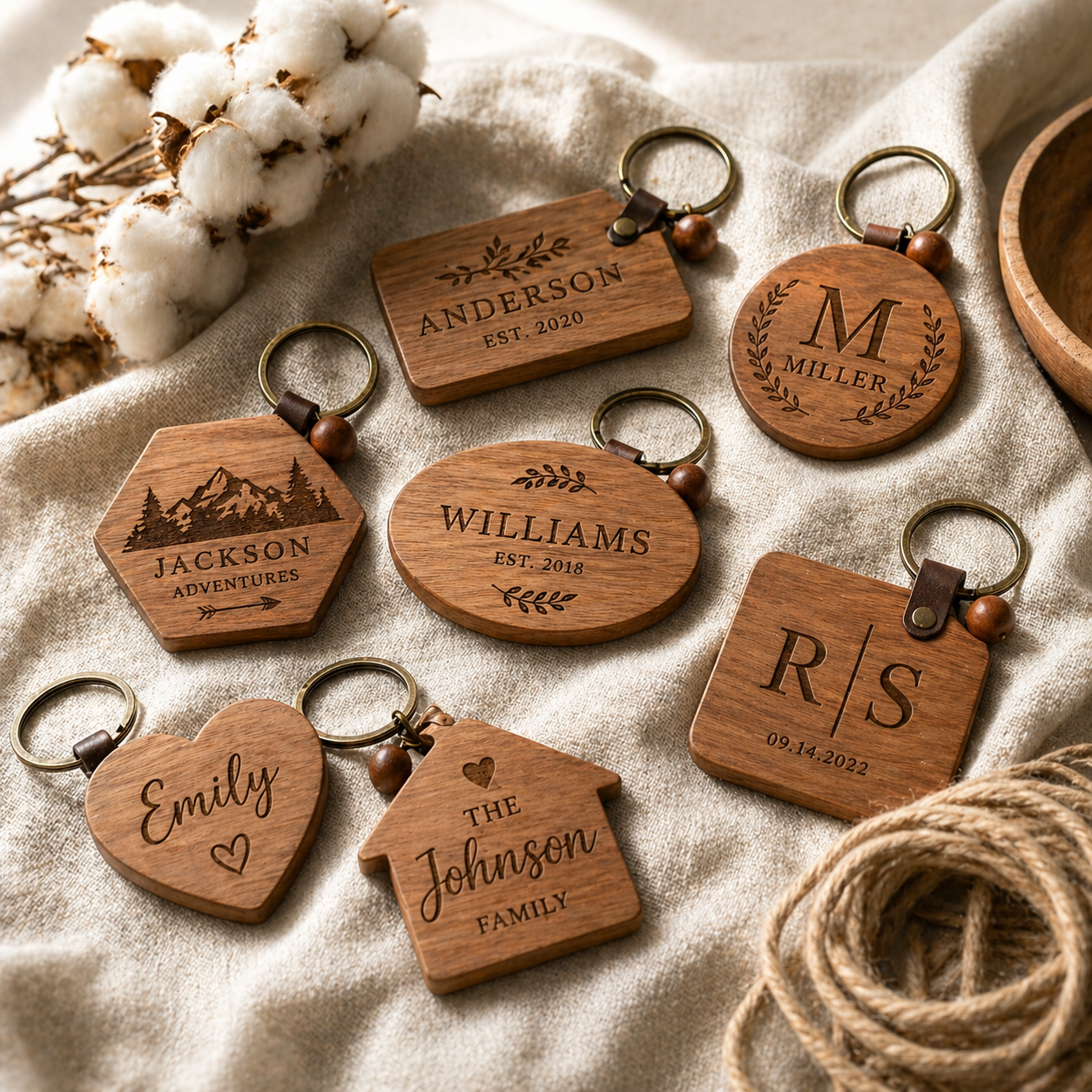
★ What you can make with it
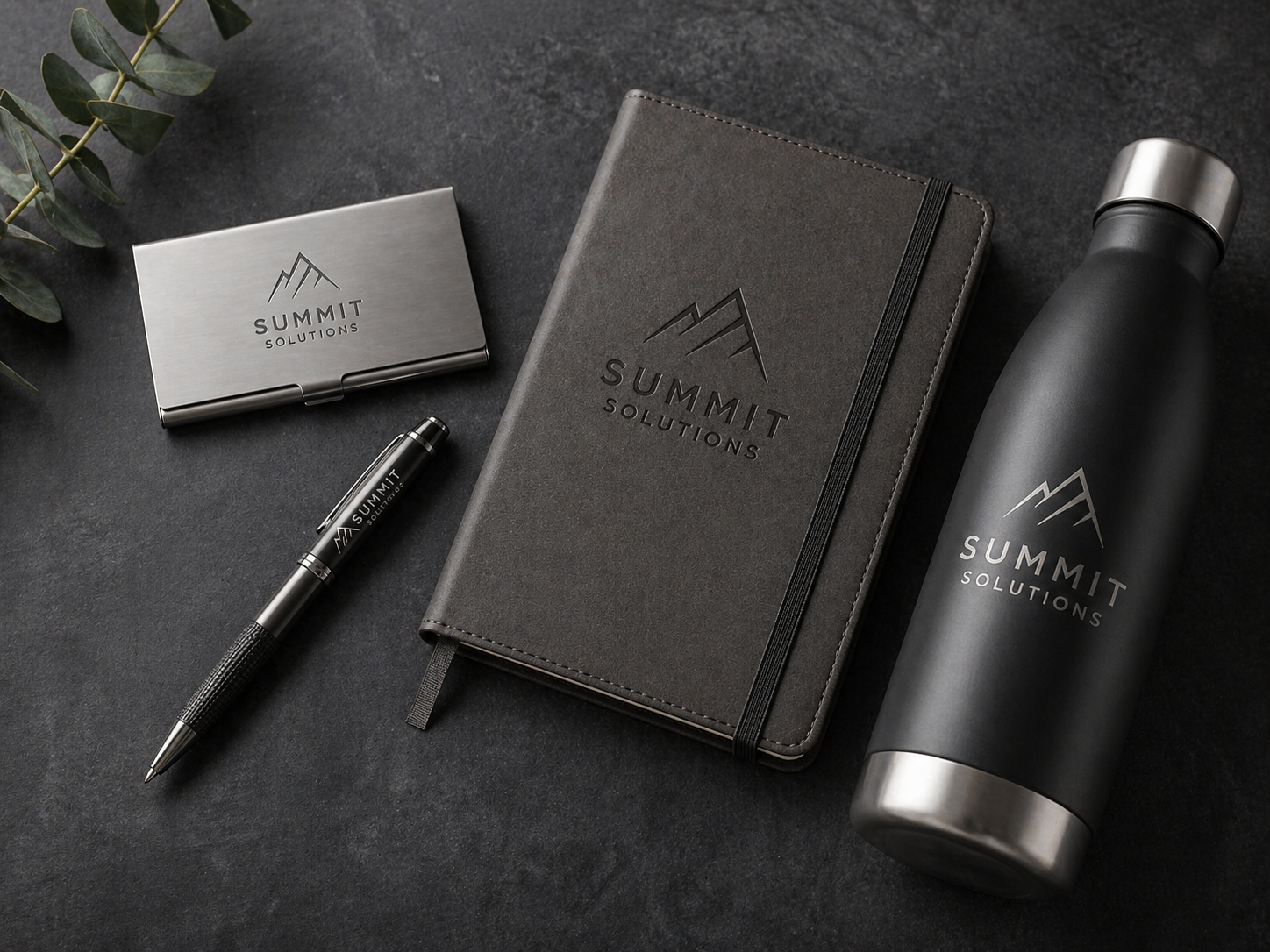
Branded corporate merchandise Branded merch
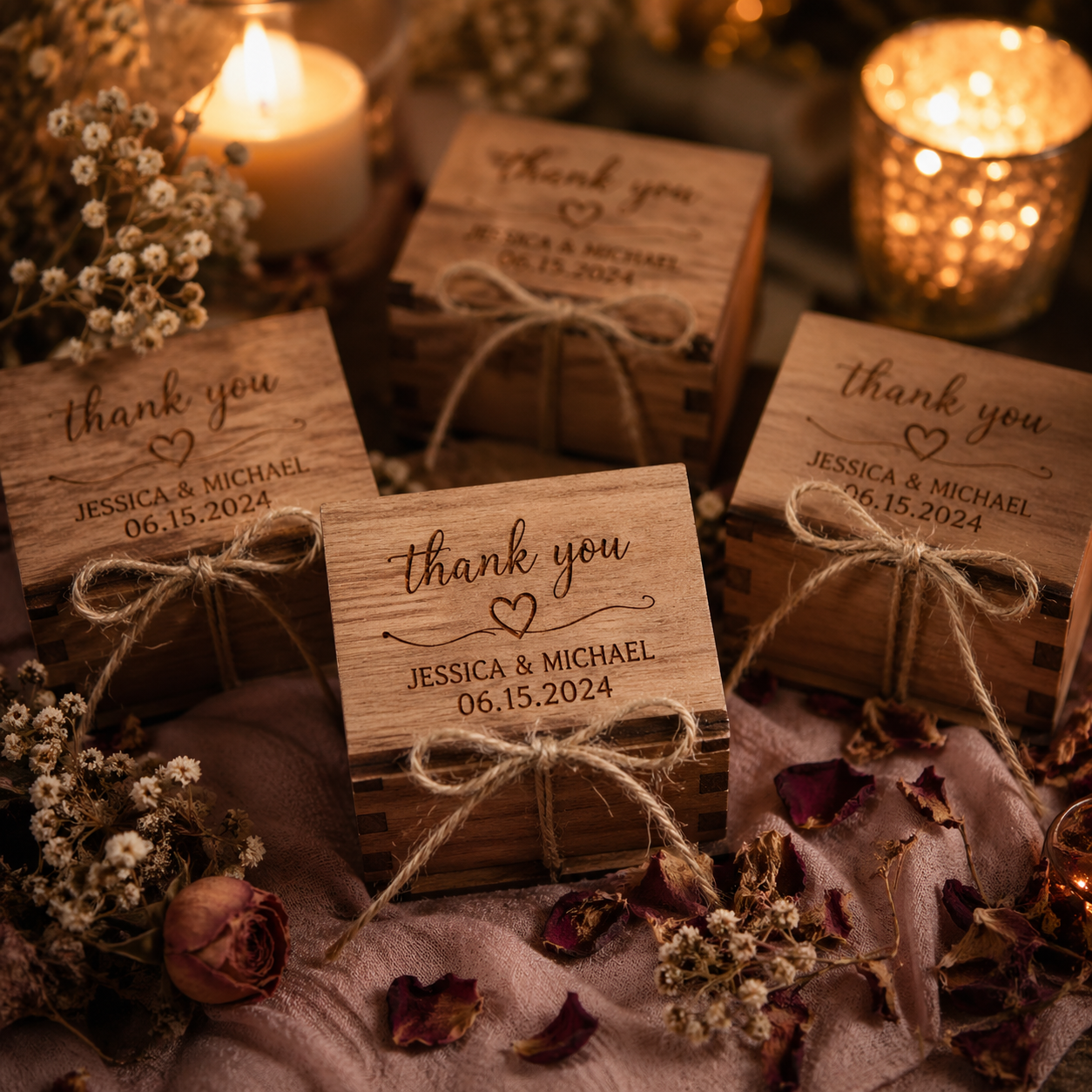
Event gifts Event gifts
Color-marked metal items Color marking

Buy it if

  • You run a live engraving booth as your main income
  • Speed in front of customers = more sales
  • You need both diode and IR engraving
  • 3D embossing and color marking matter for your brand
Power
15W diode + 5W IR
Speed
6000mm/s
Camera
50MP built-in
Best for
Live events, color marking
★ What real buyers say

Verified Amazon reviewers using the F2 at events consistently mention the same thing: the 6000mm/s speed and color marking on metal turn waiting customers into purchasing customers — a direct ROI win at fairs and pop-ups.

— Synthesis of verified Amazon buyer reviews
⚠ Important Purchase Note
This review applies to the xTool F2 (5W IR + 15W Diode, standard configuration) as linked. The F2 may be listed in bundle variants with optional accessories. Confirm the listing includes the 5W IR module — a diode-only configuration would not support the metal color marking discussed in this review.
Check Availability on Amazon Confirm pricing — F2 stock varies seasonally
View on Amazon →
◆ Best for Metal xTool F1 Ultra in jewelry workshop Metal engraving — F1 Ultra’s premium territory
xTool F1 Ultra fiber laser
№ 04 / 06 · 20W Fiber + Diode Dual Laser

xTool F1 Ultra

A 20W fiber + diode dual laser with 10000mm/s ultra-fast speed, 16MP smart camera, auto streamline, and 3D engraving — the only xTool that cleanly engraves bare metals for jewelry-grade work.

★★★★★
4.7 verified reviews
◆ Premium niche
Our verdict

This is a niche tool, and it’s an expensive one. But if your business is jewelry, premium metal tags, or any product where the customer is paying for finish quality on metal — there’s no other xTool that competes. The 20W fiber laser at 10000mm/s is the difference between “okay metal engraving” and the deep, dark, professional marking customers will pay a premium for.

🔬 Expert Analysis — xTool F1 Ultra

Beyond the specs, the F1 Ultra’s fiber laser is not a marketing upgrade — it is a fundamentally different technology. A diode laser creates surface discoloration on metals; a fiber laser removes material at a molecular level, creating deep, permanent marks that do not fade, scratch off, or oxidize. For jewelry, wedding bands, medical devices, or premium corporate gifts where the engraving must last decades, this distinction is not optional.

Our editorial take: at 10,000mm/s, the F1 Ultra is the fastest machine in the xTool lineup. But speed is secondary to finish quality here — the reason to buy this machine is the depth and darkness of the mark on bare stainless steel, titanium, or brass. Buyers who compare side-by-side consistently report the F1 Ultra’s fiber marks look significantly more “commercial” than diode or IR marks at the same resolution.

Learning curve: Fiber laser settings for different metals are not intuitive. Steel, aluminum, brass, and titanium each require different power, speed, and frequency combinations. Budget time for calibration runs before your first client order.

What this machine cannot do well: The diode module handles wood and plastics as a secondary capability. If wood or acrylic is more than 20% of your work, the S1 or P2S is a better investment. This machine is purpose-built for metal.

✓ What buyers love
  • True 20W fiber laser — engraves bare metals (brass, steel, titanium)
  • 10000mm/s ultra-fast — fastest in the xTool lineup
  • Deep, dark, jewelry-grade marks competitors can’t match
  • Dual-source (fiber + diode) does plastics & wood too
  • 16MP smart camera with auto streamline saves setup time
  • 3D engraving capability for premium custom work
✕ The trade-offs
  • Premium specialist machine — not the general-purpose S1 alternative
  • Smaller work area — not for big projects
  • Steeper learning curve for fiber laser settings
  • Overkill if you don’t engrave metal
★ What you can make with it
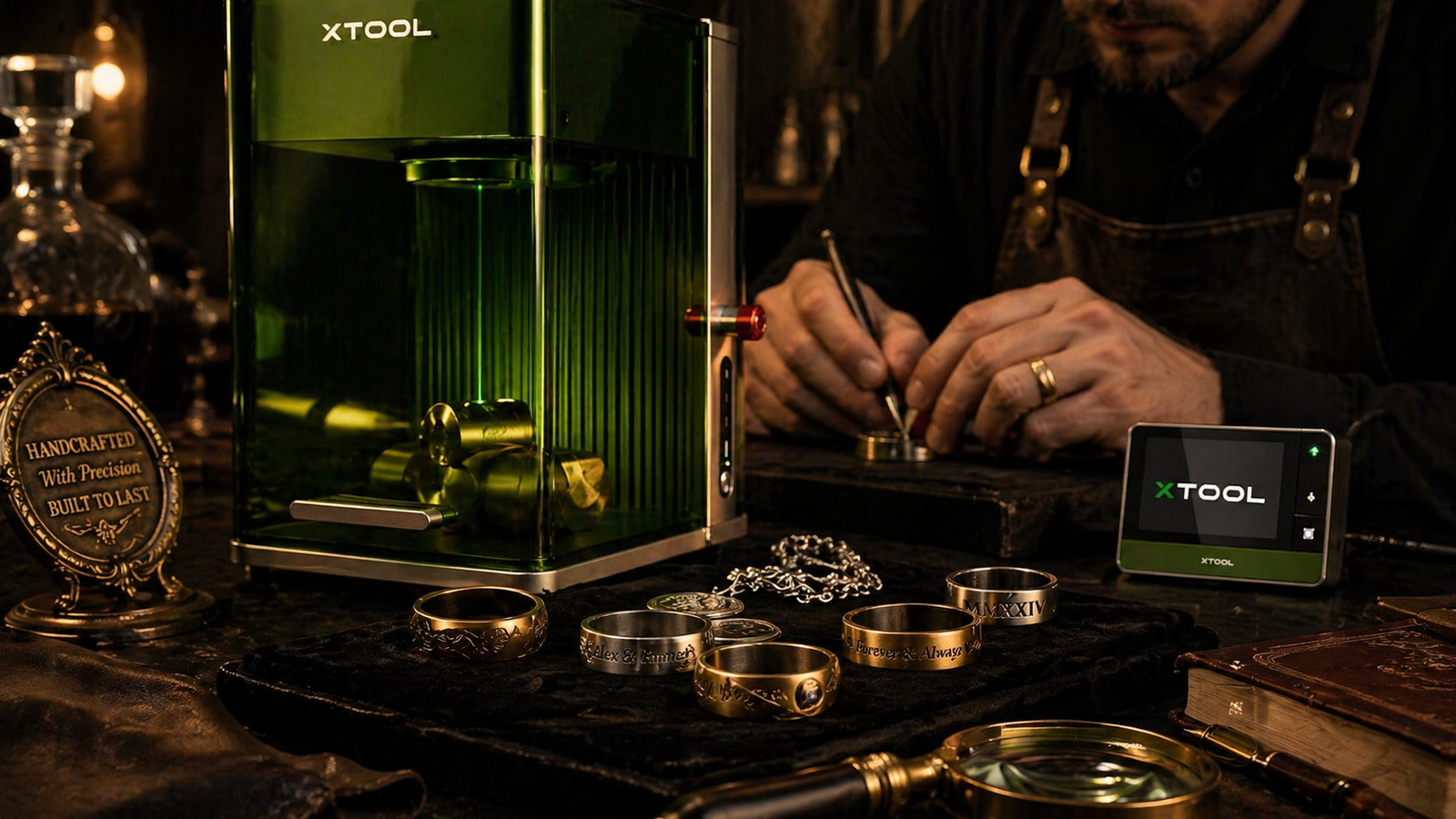
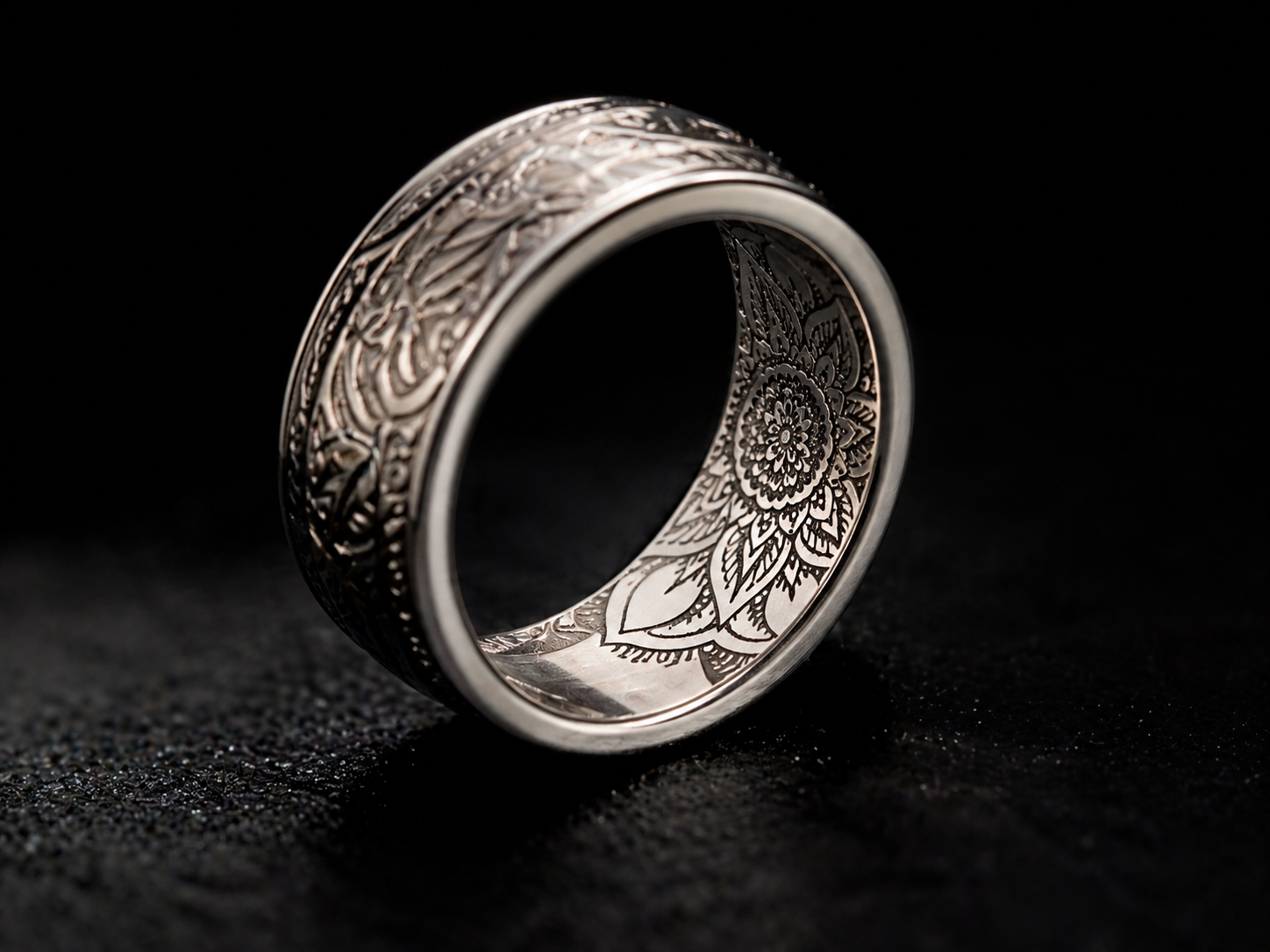
Custom engraved jewelry Custom jewelry & rings
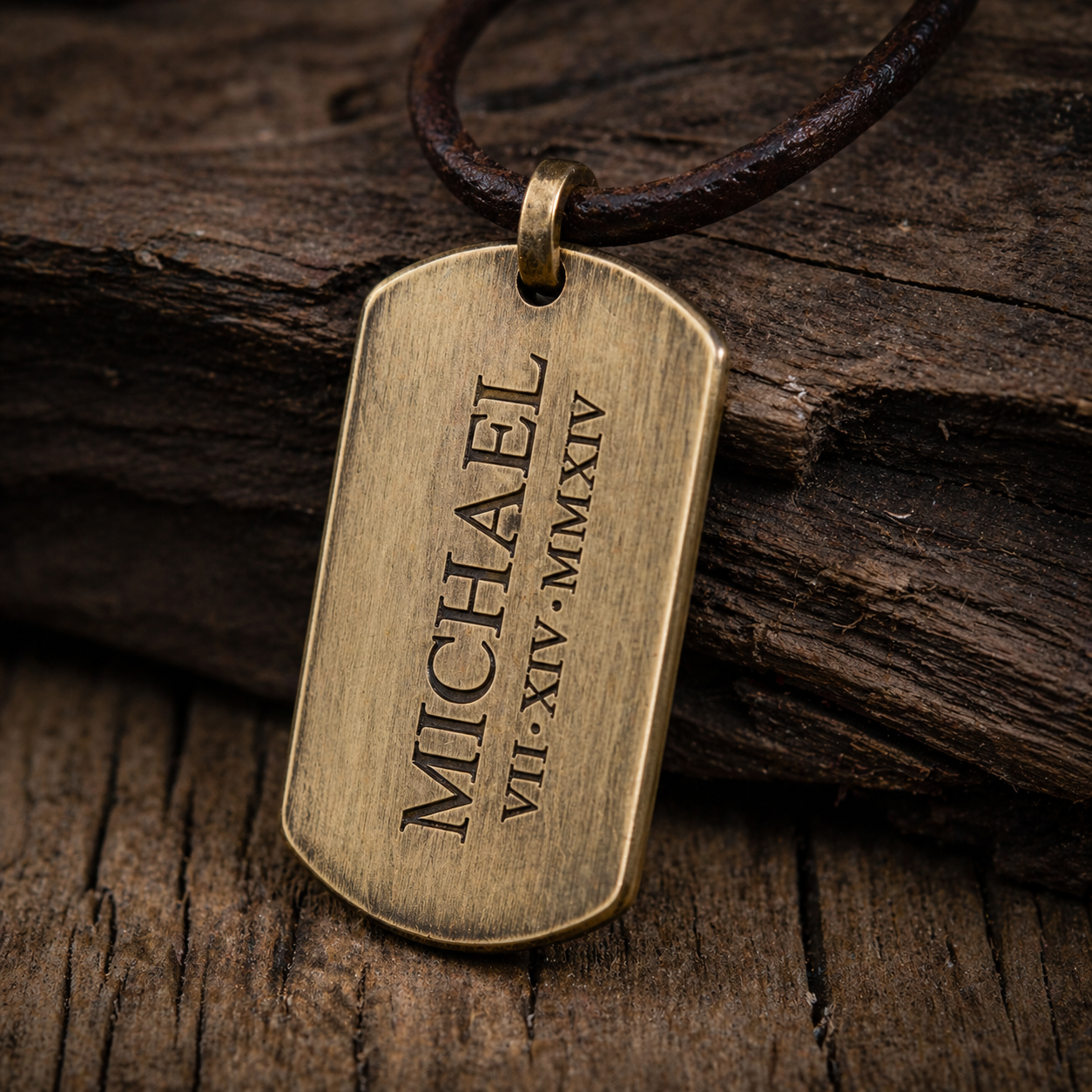
Engraved metal tags Metal tags
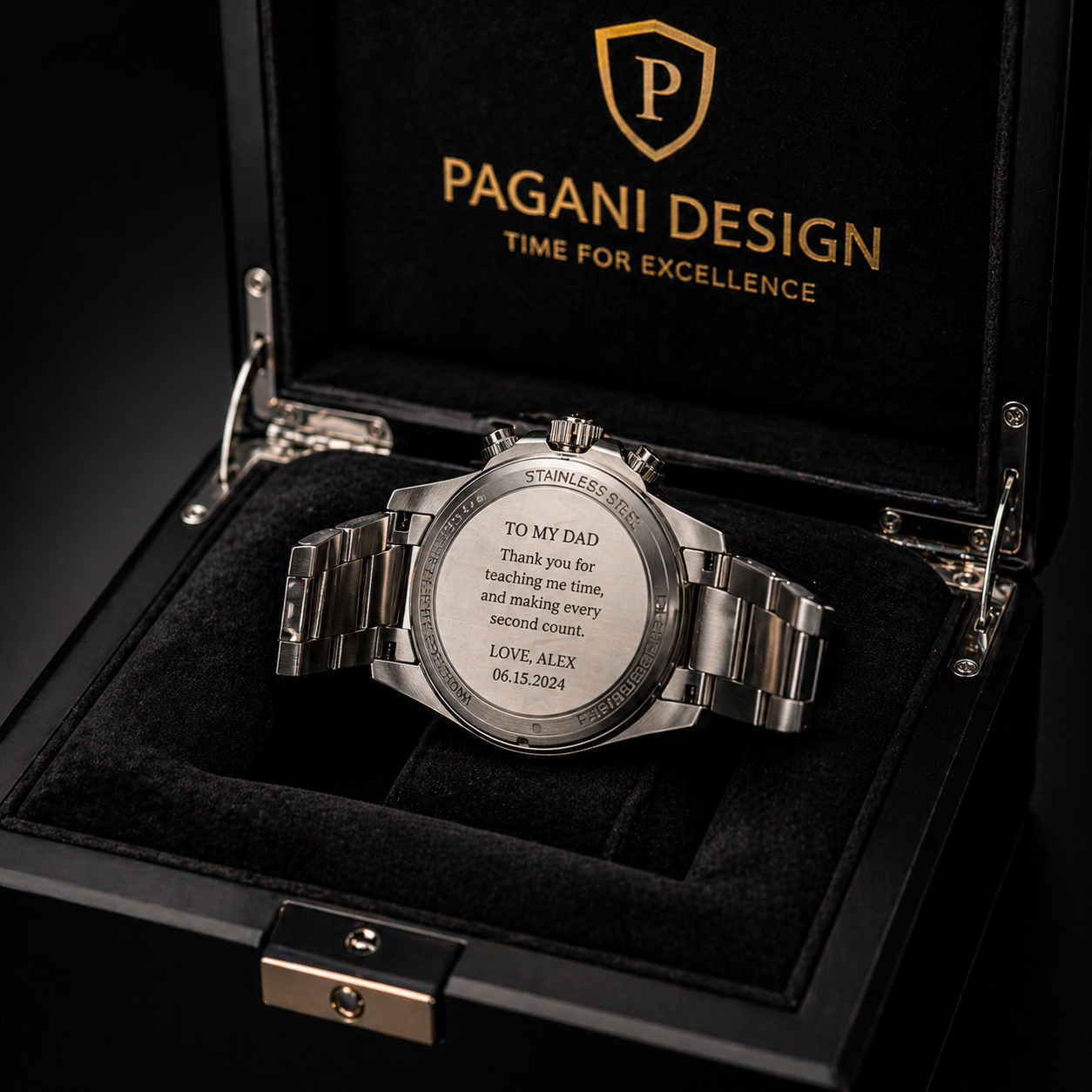
Premium engraved goods Premium goods

Buy it if

  • You sell jewelry, rings, or metal tags
  • Your products charge a premium for finish quality
  • You need to engrave bare (uncoated) metals
  • You’re scaling a metal-focused business
Power
20W fiber + diode
Speed
10000mm/s
Camera
16MP smart
Best for
Metal, jewelry, 3D engraving
★ What real buyers say

The standout theme in verified F1 Ultra reviews on Amazon is finish quality on metal — buyers compare it favorably to commercial fiber lasers costing 3-4× more, especially for jewelry-grade work and 3D engraving applications.

— Synthesis of verified Amazon buyer reviews

⚠ Important Purchase Note
This review applies specifically to the xTool F1 Ultra (20W Fiber + Diode dual laser) as linked. This is a distinct product from the standard xTool F1 — different laser technology, different price tier, different capabilities. The fiber laser capability discussed throughout this review is exclusive to the F1 Ultra. Verify the listing clearly states “Fiber Laser” before purchasing.
Check Availability on Amazon Premium model — confirm warranty terms before ordering
View on Amazon →
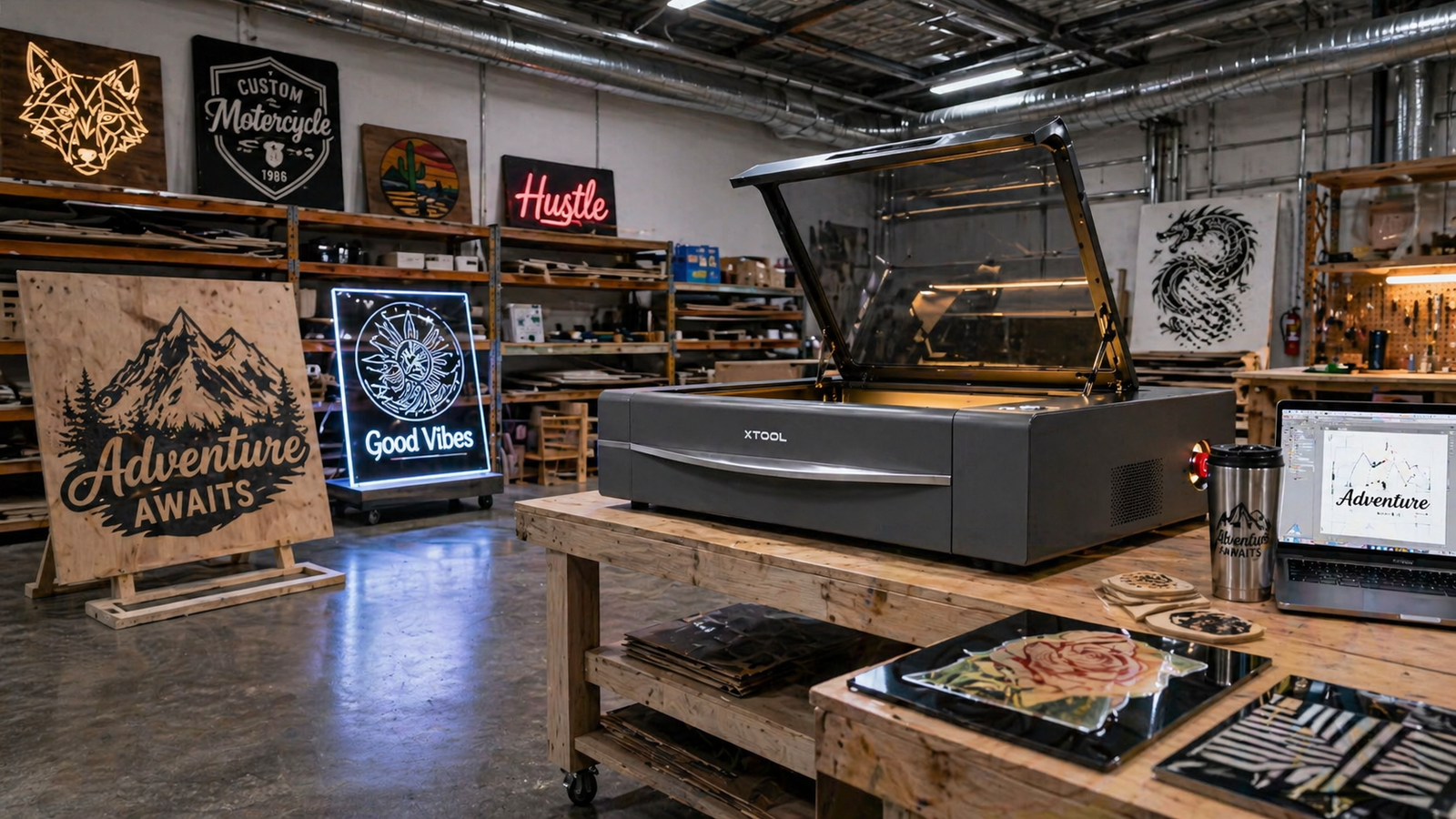
▲ Best for Scale xTool P2S 55W in a production workshop Production-scale workshop — where the P2S earns its keep
xTool P2S 55W CO2 laser cutter
№ 05 / 06 · 55W CO₂ with Dual 16MP Cameras

xTool P2S 55W

A smart desktop 55W CO₂ laser with dual 16MP cameras and 3D curved cylinder engraving — the production machine for wood, metal, acrylic, glass, fabric, and leather at scale.

★★★★½
4.6 verified reviews
▲ Production-ready
Our verdict

The P2S is for buyers past the “is this a real business?” stage. It’s a 55W CO₂ machine with dual 16MP cameras and 3D curved cylinder engraving — meaning it cuts thicker, faster, and cleaner than any diode in the lineup, especially on acrylic and dense wood. It’s also the largest and most demanding to set up. Don’t buy it as your first laser. Buy it as your last.

🔬 Expert Analysis — xTool P2S 55W

Beyond the specs, the CO² advantage on acrylic is not a marginal improvement — it is a categorically different result. A CO² laser cutting 6mm clear acrylic leaves flame-polished, smooth edges. A diode laser doing the same job typically leaves rough, melted ridges requiring finishing work. For sign makers or anyone selling acrylic products to clients expecting a professional finish, this difference alone justifies the P2S over any diode in the lineup.

Our editorial take: the dual 16MP cameras are the workflow feature that gets overlooked. For production environments running the same job repeatedly on slightly different material positions, camera-based alignment eliminates 5–10 minutes of manual repositioning per batch. At 30 batches a week, that is hours recovered.

CO² tube lifespan: CO² laser tubes have a finite life — typically 8,000–12,000 hours. Factor in replacement cost for a quality tube when calculating real cost of ownership. This is not a surprise if you plan for it.

Space and ventilation (non-negotiable): The P2S requires a permanent dedicated workspace and a proper exhaust duct to outside air or a commercial filtration unit. CO² lasers cutting acrylic and wood produce harmful fumes that can trigger smoke detectors. Do not purchase this machine without resolving ventilation first.

✓ What buyers love
  • 55W CO₂ cuts acrylic and thick wood faster than any diode
  • Dual 16MP cameras for precise positioning and inspection
  • 3D curved cylinder engraving for tumblers and round objects
  • Handles wood, metal, acrylic, glass, fabric, and leather
  • Production-grade speed for repeatable orders
  • Replaces outsourcing for many small businesses
✕ The trade-offs
  • Big — needs serious dedicated space
  • CO₂ tubes need replacement eventually (added cost)
  • Requires proper venting setup
  • Overkill for hobby use or small-batch personalization
★ What you can make with it
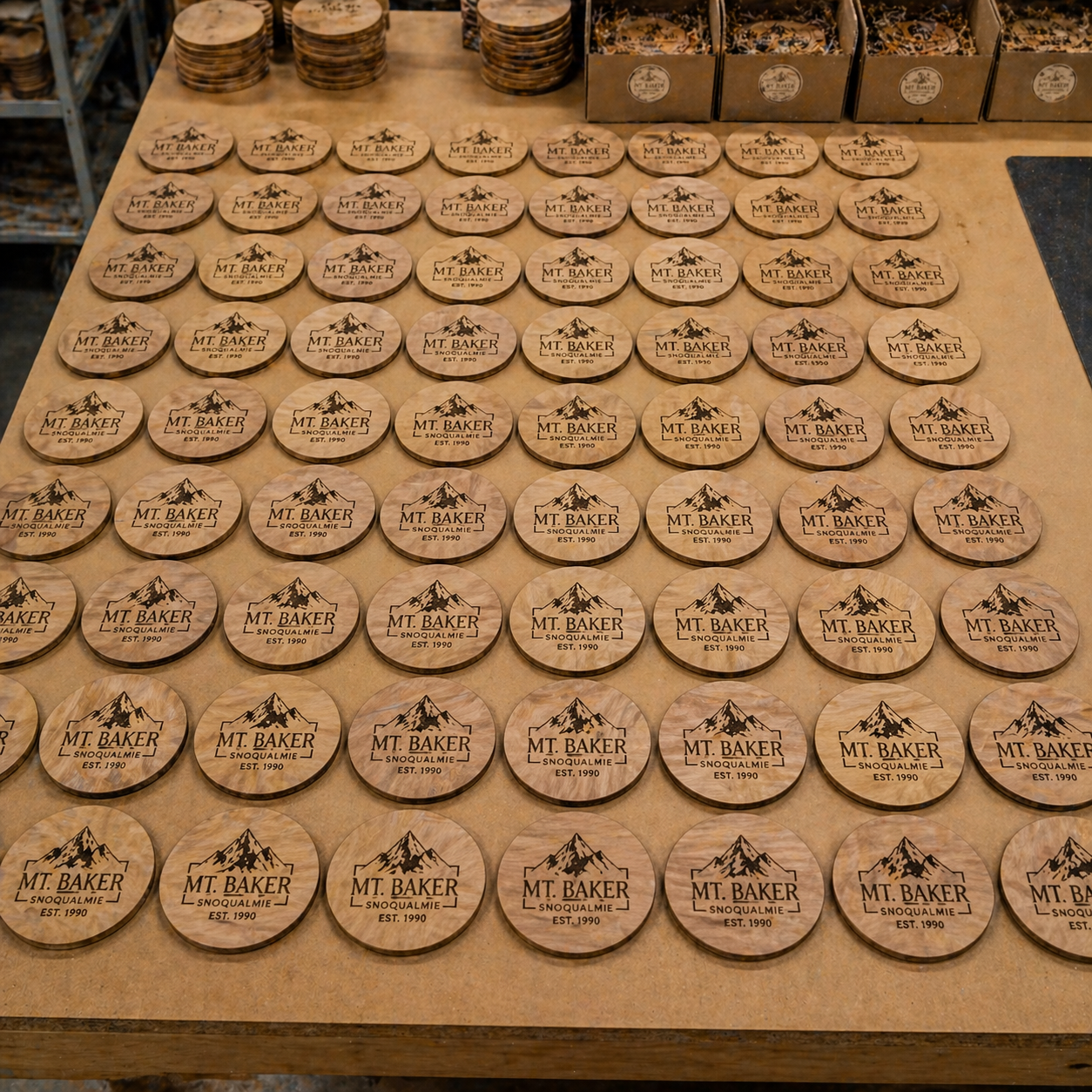
Large acrylic signs Acrylic signs & panels
Large wood projects Large wood
Batch production Batch orders

Buy it if

  • You’re outsourcing cutting and want to bring it in-house
  • Your business handles repeat orders at volume
  • You make signs, large acrylic, or panel work
  • You need 3D curved engraving on tumblers/cylinders
Power
55W CO₂
Cameras
Dual 16MP
3D Engraving
Curved cylinder
Best for
Cutting, production, scale
★ What real buyers say

P2S buyers on Amazon consistently report the same upgrade story: they outgrew their diode laser, started outsourcing acrylic work, and the P2S brought it back in-house — paying for itself in months for businesses with steady volume.

— Synthesis of verified Amazon buyer reviews
⚠ Important Purchase Note
This review applies to the xTool P2S 55W CO² Laser Cutter, standard configuration, as linked. The P2S is available with optional add-ons including the conveyor feeder and riser kit — these expand capability but are sold separately. The specs and performance discussed reflect the standalone unit. If your workflow requires pass-through cutting of long boards, verify riser kit availability and cost before finalizing your purchase.
Check Availability on Amazon Verify shipping logistics — this is a heavy machine
View on Amazon →
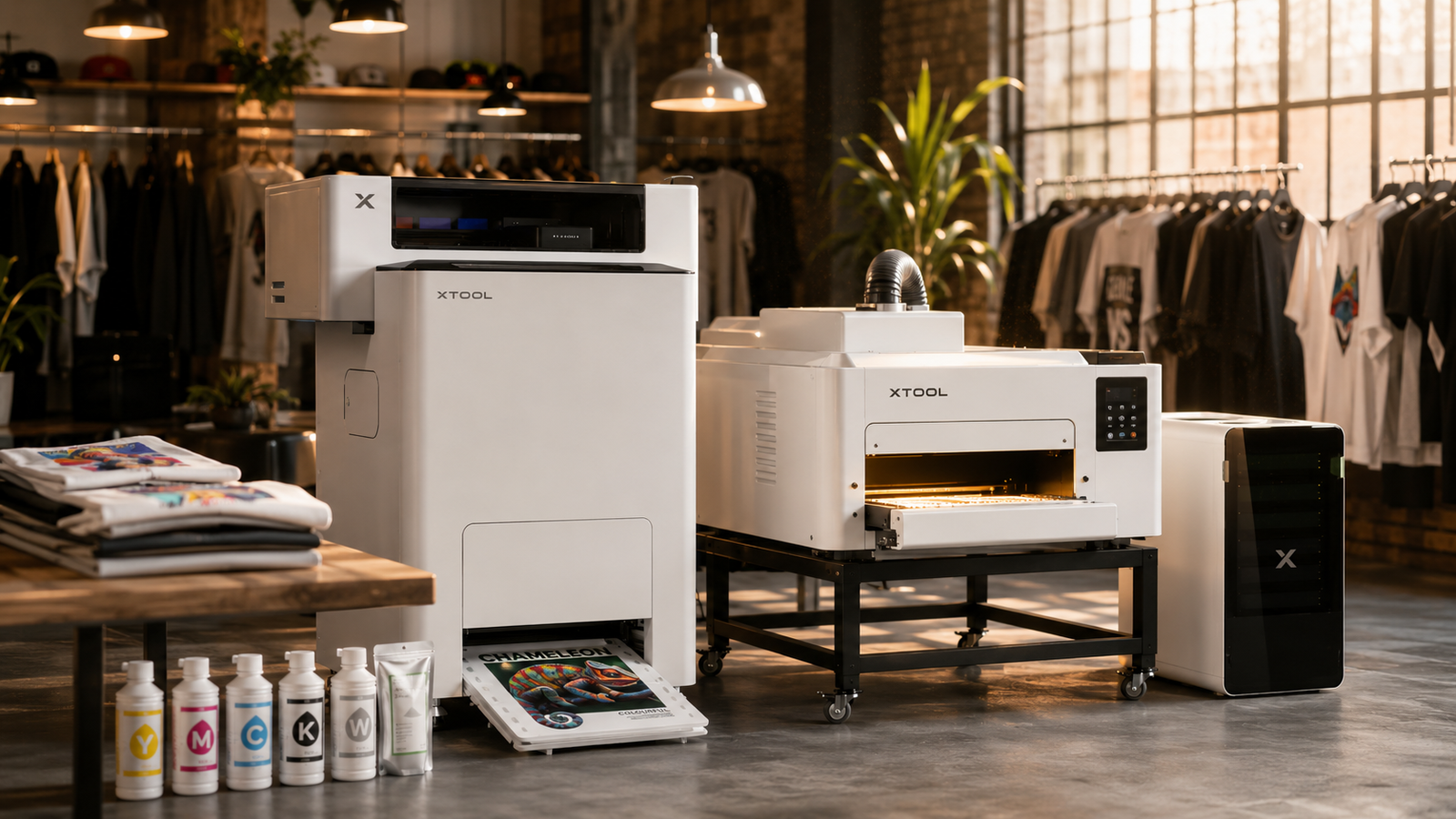
✦ Bonus Pick — Apparel xTool Apparel Printer DTF system in a print studio Custom apparel production — a different lane from engraving
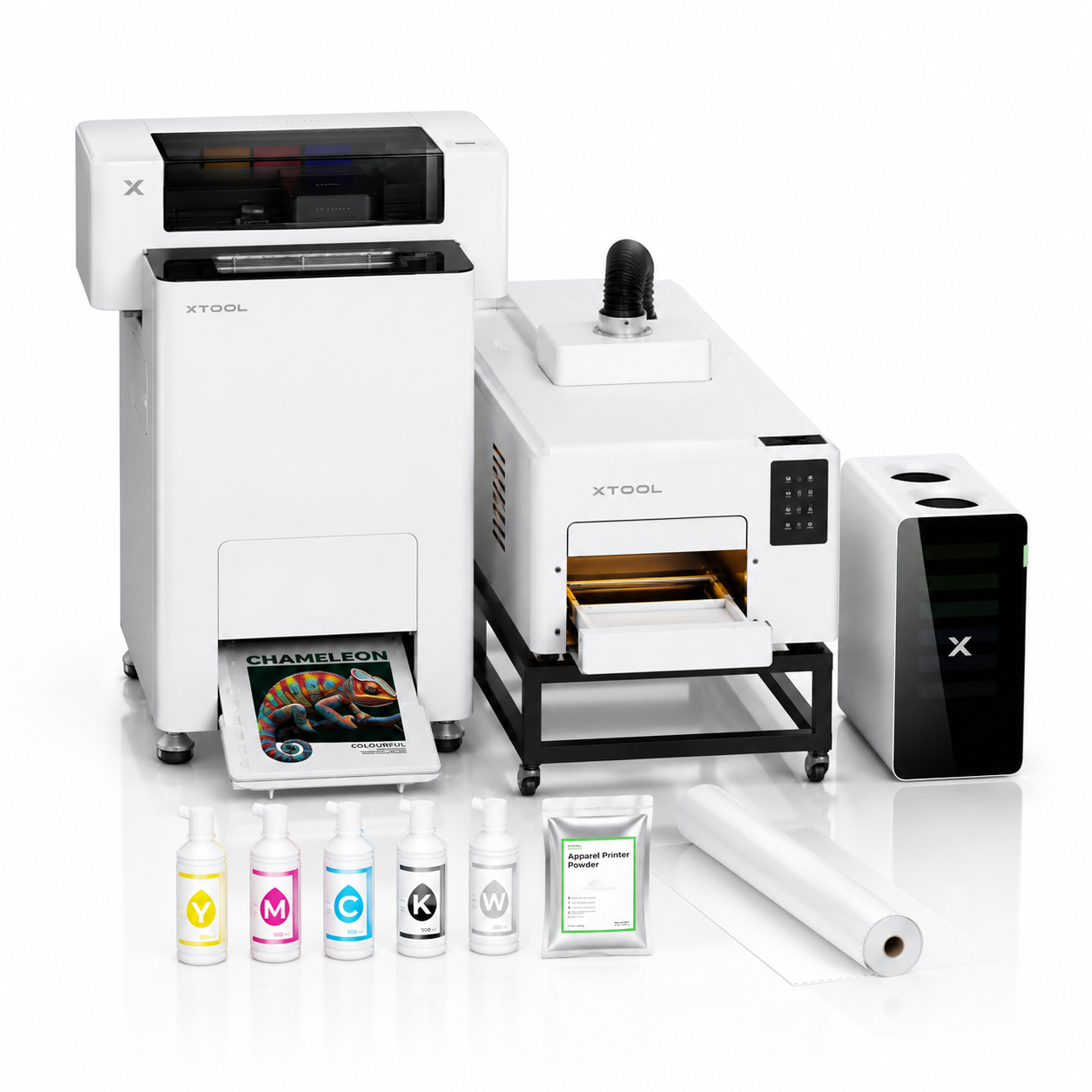
xTool Apparel Printer All-in-1 DTF bundle
№ 06 / 06 · DTF Apparel Printer + Shaker Oven + Air Purifier

xTool Apparel Printer

The one pick here that isn’t a laser. A complete all-in-one DTF system — a 14″ A3 printer, automatic shaker oven, and air purifier — that prints, cuts, powders, and bakes transfers for custom clothing in a single cycle.

★★★★
4.1 verified reviews
✦ Best for apparel
Our verdict

This is the outlier in our guide on purpose. It’s not a laser engraver — it’s a DTF (direct-to-film) apparel printer. We added it because a growing share of xTool shoppers don’t want to engrave wood or metal at all; they want to make custom t-shirts, hoodies, and bags. If that’s you, this all-in-one bundle is xTool’s complete answer: printer, shaker oven, and air purifier in one package, with the messiest manual DTF steps automated away. You’d buy this instead of a laser above — not alongside one — unless you genuinely want both capabilities.

🔬 Expert Analysis — xTool Apparel Printer

Beyond the spec sheet, the real argument for DTF is fabric freedom. Unlike sublimation (which needs polyester and light colors) or DTG (which works best on cotton), DTF transfers bond to cotton, polyester, blends, denim, canvas, and nylon — light or dark. For a print-on-demand seller, that means one machine covers nearly every product a customer might order.

Our editorial take: the feature that actually justifies the bundle price is the one-click print-to-bake automation. Traditional DTF is a multi-step, hands-on process — print the film, apply adhesive powder by hand, then cure it separately. That powdering and curing stage is where beginners ruin transfers. Chaining printing, cutting, powdering, and curing into one automated cycle removes the steps most likely to fail, and xTool rates the system at A3 transfers in roughly 90 seconds and output of up to around 44 shirts per hour — genuinely production-capable numbers if your designs and prep are organized.

The DTF reality check — maintenance: White ink is the Achilles’ heel of every DTF printer. It settles, separates, and clogs printheads if the machine sits idle. The SmartCycle self-maintenance and white-ink management system exists specifically to fight this — treat it as the single most important feature for the printer’s long-term survival, not a marketing line.

Budget for consumables: This is not a buy-once tool. Transfer film, ink, and adhesive powder are recurring costs, and the included starter film roll runs out quickly. Order spare film and ink with your first purchase — buyer feedback consistently flags slow consumable restocking.

Space and weight: At roughly 266 lbs and about three feet wide and tall, this is industrial-class equipment. It needs a permanent, stable, dedicated workspace — it is not a unit you move between rooms.

✓ What buyers love
  • True all-in-one bundle — printer, shaker oven, and air purifier included, nothing to piece together
  • One-click print-to-bake automates cutting, powdering, and curing
  • Dual I1600 printheads at 720×1800 DPI for sharp, vibrant transfers
  • Prints on almost any fabric — cotton, polyester, denim, canvas, nylon
  • Production throughput — rated up to roughly 44 shirts per hour
  • SmartCycle self-maintenance targets DTF’s biggest weakness: clogging
  • Beginner-friendly — 16MP AI camera calibration plus free xTool Studio with a built-in RIP
✕ The trade-offs
  • Large and very heavy (around 266 lbs) — needs permanent dedicated space
  • Ongoing consumable costs — film, ink, and powder add up over time
  • Buyers report consumable restocking can be slow — keep spares on hand
  • Customer support can be hard to reach at times
  • Priced as serious business equipment, not a hobby purchase
  • Not a laser — it does no engraving or cutting
★ What you can make with it
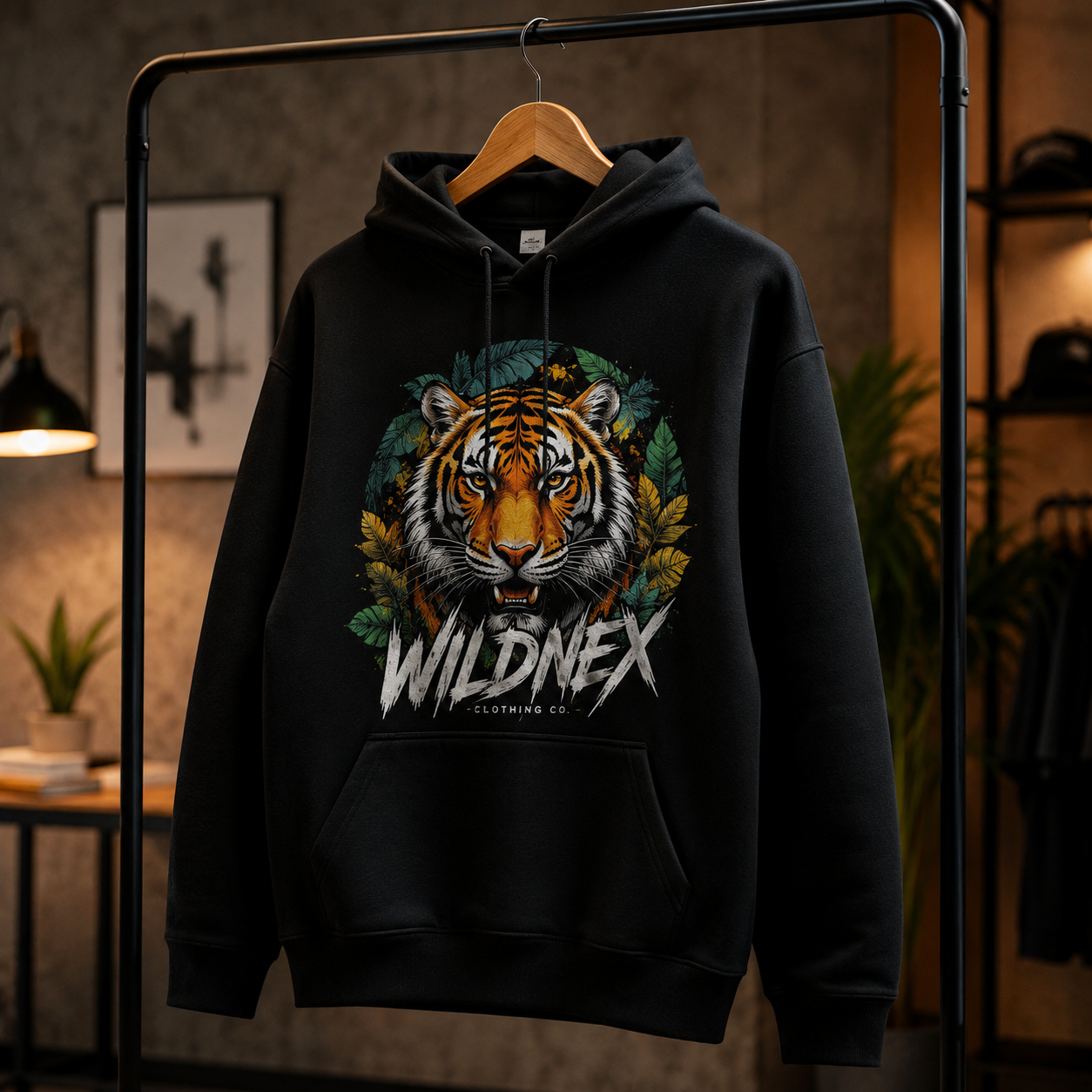
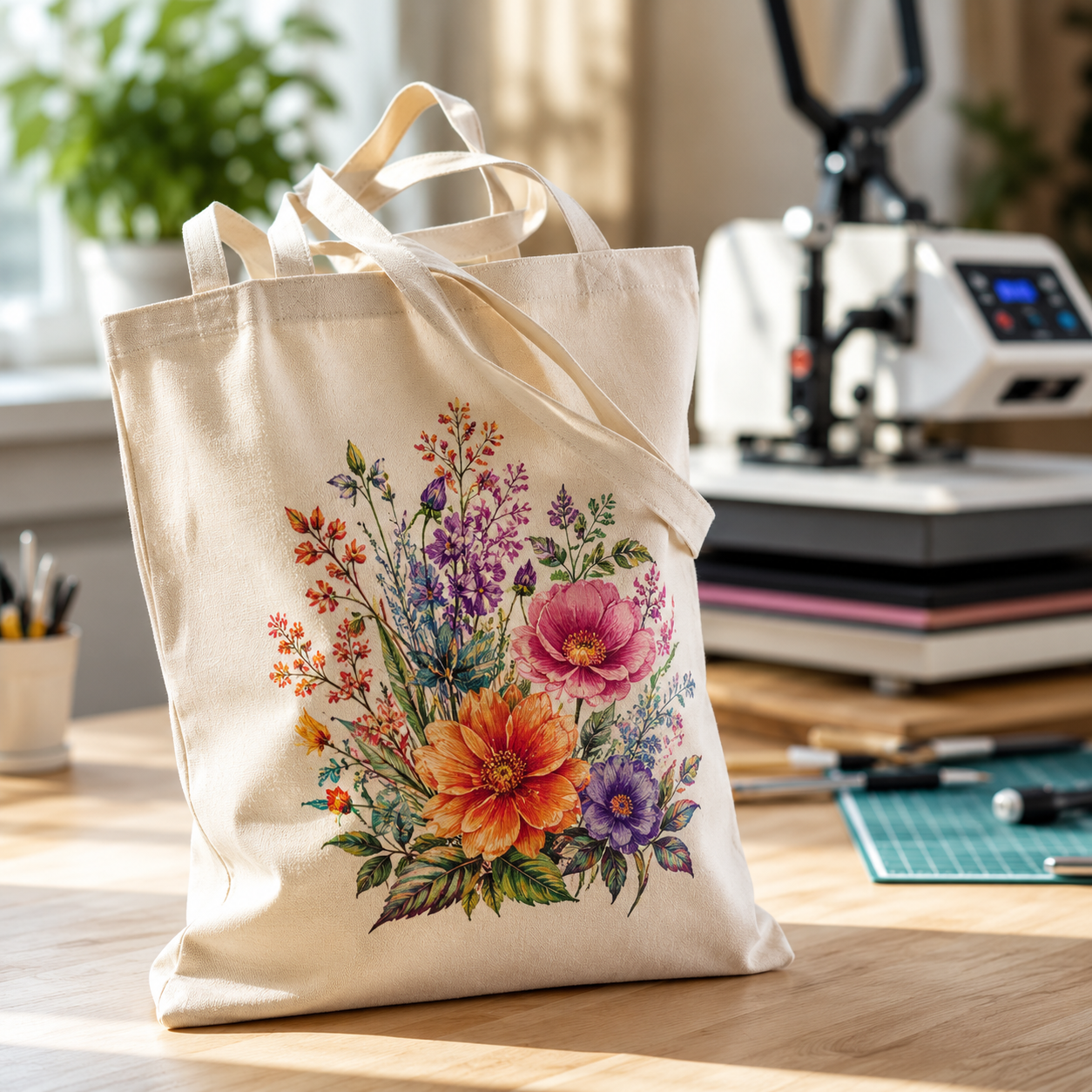
Custom printed t-shirts Custom t-shirts
Custom printed hoodies Hoodies
Custom printed tote bags Tote bags

Buy it if

  • You run — or want to start — a custom apparel or print-on-demand business
  • You want shirts, hoodies, totes, and hats without fabric-type limits
  • You’d rather have automation than do DTF powdering by hand
  • You’re past the hobby stage and ready for real production equipment
Type
DTF (print-to-film)
Printheads
Dual I1600
Resolution
720×1800 DPI
Best for
Apparel & print-on-demand
★ What real buyers say

Across verified Amazon reviews the bundle lands at a solid rating: buyers repeatedly praise the well-protected packaging, the surprisingly simple setup for a machine this size, and fast, high-quality transfers that genuinely help their apparel businesses. The recurring caution is consistent too — xTool’s customer support can be slow to reach, and consumables like transfer film ship slowly, so experienced owners advise stocking up on film, ink, and powder with the first order.

— Synthesis of verified Amazon buyer reviews
⚠ Important Purchase Note
This review applies to the xTool Apparel Printer All-in-1 Bundle — the configuration whose size option reads “Printer + Shaker Oven + Air Purifier.” xTool also sells the printer and accessories separately. The automated print-to-bake workflow and air filtration discussed here depend on the complete bundle, so confirm the listing’s size selection before completing your purchase. Note also that the “size” on the listing refers to the individual products in the bundle, not the shipped package.
Check Availability on Amazon Bundle includes printer, shaker oven & air purifier
View on Amazon →
⚖ Side by Side

The full spec comparison

All 5 lasers, every key spec, and every key buying factor — so you can compare without scrolling back and forth.

S1 40W F1 F2 F1 Ultra P2S 55W
Best for Most buyers ★ Top pick Beginners Lowest entry point Live events ⚡ Fast Metal work ◆ Premium Production ▲ Scale
Laser type 40W diode Dual (diode + IR) 15W diode + 5W IR 20W fiber + diode 55W CO₂
Max speed 600 mm/s Lightning fast 6000 mm/s 10000 mm/s Production-grade
Built-in camera Yes 50MP 16MP smart Dual 16MP
Cuts wood Yes Engrave only Engrave only Limited Yes (thick)
Engraves bare metal No Limited (IR) Color marking Yes (fiber) No
Fully enclosed Yes No No Optional Yes
Portable No Yes Yes Semi No
Beginner-friendly Yes Easiest Yes Moderate Advanced
Get it on Amazon View on Amazon → View on Amazon → View on Amazon → View on Amazon → View on Amazon →

Why isn’t the xTool Apparel Printer in this table? Because it’s a DTF apparel printer, not a laser — the rows above (cutting, engraving, laser type) simply don’t apply to it. It’s covered in full in its own section above, and the decision helper below will point you to it if printed clothing is what you’re actually after.

→ Decision Helper

Still not sure? Match your situation

Pick the statement below that sounds the most like you — we’ll point you to the model that fits.

? Common Questions

Buyer questions, answered

Which xTool is best for total beginners?
For most beginners, the xTool S1 40W is the better long-term choice — it’s enclosed, safer, and won’t be outgrown in six months. The F1 is only the better starter if your budget is very limited or if you specifically need portability.
Is the xTool F1 Ultra worth choosing over the regular F1?
Only if you need to engrave bare metals (raw brass, stainless steel, titanium). The Ultra has a real 20W fiber laser at 10000mm/s — the regular F1 only has a small IR module that’s more limited. If you’re doing jewelry or premium metal tags as your business, yes. If you’re not, no.
Can the S1 cut acrylic as well as the P2S?
No. CO₂ lasers (P2S) cut acrylic far better than diode lasers (S1) — that’s a fundamental physics difference, not a power one. The S1 can engrave acrylic well but struggles with thick cuts. If acrylic is more than 30% of your work, get the P2S.
Why is the xTool Apparel Printer in a laser engraver guide?
Fair question — it’s a DTF apparel printer, not a laser engraver. We included it because many people shopping xTool’s lineup actually want to make custom printed clothing rather than engraved wood or metal. It’s the same brand and software ecosystem, so it earns a spot — but think of it as an either/or: you’d choose it instead of a laser, not as an add-on, unless you want both printing and engraving.
Is DTF printing hard for a beginner?
DTF has a reputation for being fiddly — mostly because of manual powdering and white-ink maintenance. The xTool Apparel Printer bundle is designed to soften that learning curve: the one-click print-to-bake system automates powdering and curing, and the SmartCycle maintenance handles the white-ink upkeep that usually trips up new owners. You’ll still need to manage consumables and keep the machine running regularly, but the hardest steps are automated.
Do I need ventilation for these machines?
Yes — for all the lasers. The S1 and P2S have built-in fume extraction ports; the F1, F2, and F1 Ultra need a fume extractor or open-window setup. The Apparel Printer bundle ships with its own air purifier to handle DTF powder dust. Skipping ventilation is a health risk and will quickly stink up your workspace.
Is xTool’s software any good?
For the lasers, xTool Creative Space is approachable for beginners, and power users often move to Lightburn. The Apparel Printer uses xTool Studio, which includes a built-in RIP — so you don’t need to buy separate third-party RIP software to get started. Both ecosystems are beginner-friendly out of the box.
Why do we send readers to Amazon for availability?
Because Amazon listings, bundles, availability, and offers can change. Click through to verify the current listing details on Amazon before you order — that’s why every product card links directly to its current listing.
⚠ Affiliate Disclosure

NexaTools is reader-supported. As an Amazon Associate, we earn from qualifying purchases made through links on this page — at no extra cost to you. This commission helps fund our research, but it does not influence which products we recommend. Our rankings are based on official specs, verified buyer reviews, and use-case fit. We’d give the same recommendations even if these links paid us nothing.

The evaluation on this page applies to the exact product variants linked in each section. xTool products are sold in multiple configurations — selecting a different wattage, bundle, or variant may change the features and performance discussed in this review. All purchases must be completed within Amazon’s standard qualifying period to be eligible for commission attribution. Last reviewed: May 17, 2026.

xTool S1 40W Best Overall · enclosed home studio
Amazon →